
Teach and review
Publication options
Choose how students will hand in their work for this run. Open Publication options after scheduling or starting the simulation.
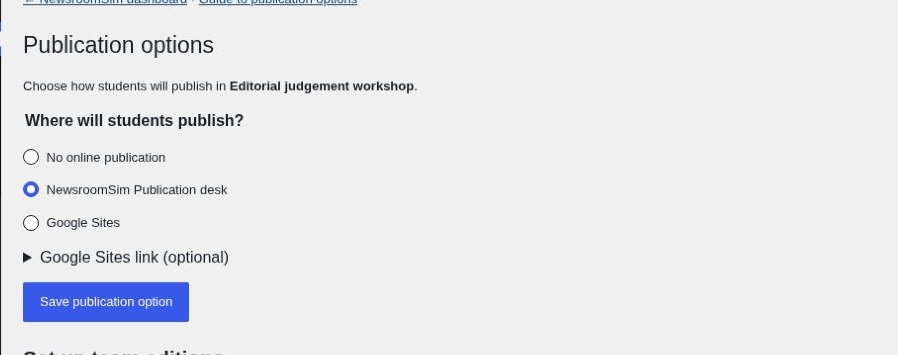
Choose where students publish
- No online publication
- Use your usual submission method. The student newsroom will have no publication desk for the exercise.
- Google Sites
- Use a Google Site you already manage. For a shared class site, open Google Sites link (optional) and enter its address. For separate team sites, leave that field blank and send each link directly. Manage editing permissions in Google Sites.
- NewsroomSim Publication desk
- Give each team a workspace inside the newsroom to assemble, preview and publish an edition.
Click Save publication option.
Create team desks
- Choose NewsroomSim Publication desk and save the option.
- Set the number of teams and the stories each edition needs. Choose these counts before creating the desks.
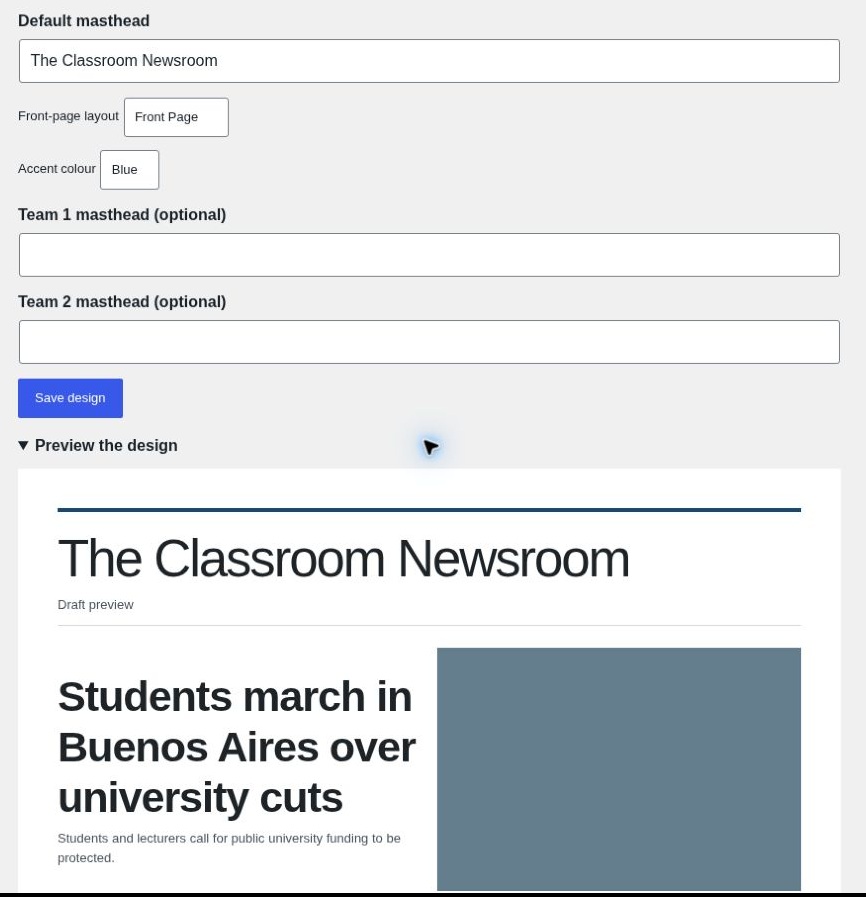
- Enter a default masthead, select a front-page layout and an accent colour, then open Preview the design to see the result.
- Click Create team desks. You can later give teams their own mastheads under Save design.
Give each team its editing code
Under Share with the class, copy the student newsroom link. Give everyone that link and the newsroom password. Send each team only its own editing code. In the student newsroom, they open Publication desk, choose Join team and enter their code.
Teams can add released material to their story notes, write their pieces, choose a released image and arrange the running order. They can preview the edition before choosing Publish edition.
Use Review team editions to read submissions or reopen an edition for corrections.